
Reviews
Tap Dice Score Quest is a delightful casual clicker game that keeps you engaged with its simple yet rewarding mechanics. The random point addition from each tap adds an element of surprise, making every session feel fresh. The achievement system provides clear goals, encouraging you to improve your tapping strategy. It is perfect for short breaks or longer play sessions, and the lack of time limits reduces stress. The game is easy to pick up but offers depth through achievement hunting. Overall, it is a well-designed, family-friendly game that delivers consistent fun.
About this game
Game Introduction
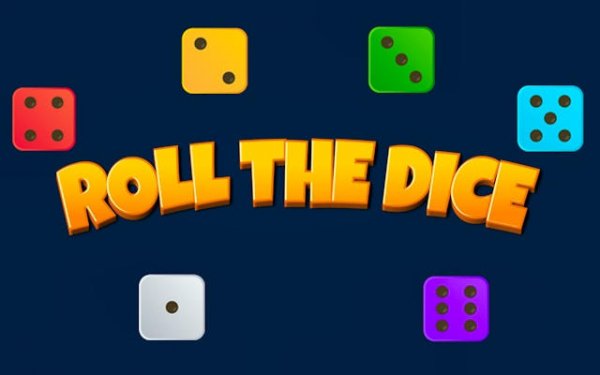
Tap Dice Score Quest is an endless clicker game that turns simple tapping into a rewarding score-building experience. The core idea is straightforward: each tap on the dice icon adds a random number of points to your total score, simulating the roll of a dice. There is no final level or time limit, so you can play at your own pace and focus on improving your personal best. The game is designed to be accessible to all players, from those new to clicker games to experienced enthusiasts. Beyond the high score chase, a built-in achievement system provides clear goals and a sense of progression. This structure encourages you to explore different tapping patterns, making each session feel unique. Whether you have a few minutes or an hour, Tap Dice Score Quest offers a satisfying and engaging experience that rewards persistence and smart play.
How to Play
Players typically start by tapping the dice icon on the screen. Each tap adds a random number of points to your score, just like rolling a real dice. The main goal is to maximize your total score over time. To do this, experiment with different tapping speeds and rhythms. The game provides feedback on your progress, helping you adjust your approach. As you play, you will unlock achievements for reaching specific milestones, such as accumulating a certain number of points or performing a set number of taps. These achievements guide your journey and offer additional challenges. There is no penalty for mistakes, so feel free to try different techniques to find what works best for you.
Game Features
Infinite gameplay with no end point for unlimited play. An achievement system that unlocks milestones as you progress. Simple and intuitive controls that are easy to learn. A completionist goal to unlock all achievements for a defined objective. Casual and addictive fun suitable for short breaks or longer sessions.
Tips for Success
To maximize your score, try tapping at a steady rhythm rather than randomly. Focus on unlocking achievements early, as they provide clear milestones and a sense of progression. Since there is no penalty for mistakes, experiment with different tapping speeds to find what feels most comfortable and effective. Consistent play over time will naturally improve your high score.








Comments
Sign in to leave a review
No account? Create one
No comments yet.